A Practical Introduction to Querying Data with PostgreSQL: Using the 2026 World Cup Dataset
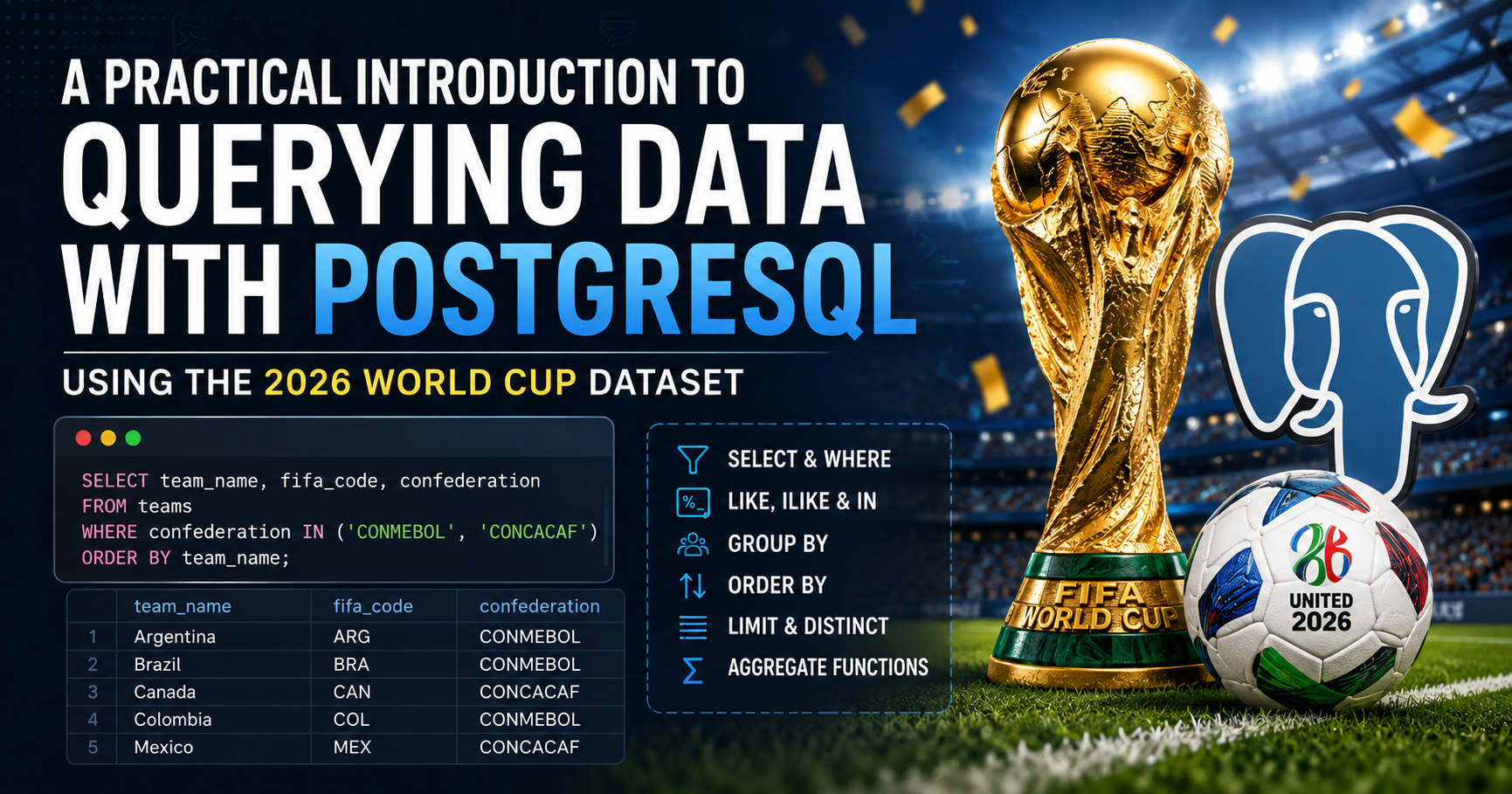
Querying implies fetching data from the database. Common keywords include SELECT, FROM, WHERE, etc. The FROM keyword specifies the table we want to query, while WHERE is used to filter the rows returned. The SELECT keyword specifies the columns, expressions, or values we want to retrieve.
For this article, we will use a Kaggle dataset of the 2026 FIFA World Cup.
Let's say we want to get all the game stages in the World Cup; we would write the query as below.
SELECT *
FROM tournament_stages;
This would result in:
 stage_id |    stage_name     | is_knockout
----------+-------------------+-------------
        1 | Group Stage       | f
        2 | Round of 32       | t
        3 | Round of 16       | t
        4 | Quarter-finals    | t
        5 | Semi-finals       | t
        6 | Third-place match | t
        7 | Final             | t
(7 rows)
Here, we are querying the tournament_stages table to get the information we want. The * after the SELECT keyword is a wildcard for selecting all columns from the specified table.
The WHERE Keyword
The WHERE keyword is used for filtering in SQL based on one or more conditions.
SELECT COUNT(*)
FROM match_team_stats
WHERE player_of_the_match = 'Lionel Andrés Messi';
 count
-------
     6
(1 row)
In the above query, we counted the rows in match_team_stats where Messi was listed as the player of the match during the 2026 FIFA World Cup using the COUNT() function, which is an aggregate function used to count rows or non-NULL values in a column. In the example above, COUNT(*) counts the number of rows that matched the specified condition.
Take note that single quotes were used for the strings. In PostgreSQL, double quotes are used for identifiers (database names, table names, column names), while single quotes are used for string literals (text values, dates, timestamps). If we had used double quotes, we would have gotten the error below:
ERROR:  column "Lionel Andrés Messi" does not exist
LINE 3: WHERE player_of_the_match = "Lionel Andrés Messi"
                                    ^
Filtering with Multiple Conditions
We could also filter using multiple conditions with AND and OR keywords to join multiple conditions together. We can also use the BETWEEN keyword to filter within a range. Let's imagine we want to check the number of times either Messi or Mbappe were the player of the match; we would make use of the OR keyword.
SELECT COUNT(*)
FROM match_team_stats
WHERE player_of_the_match = 'Lionel Andrés Messi'
	OR player_of_the_match = 'Kylian Mbappe';
 count
-------
     9
(1 row)
We can see that the previous answer changed from 6 to 9, meaning Mbappe was named player of the match 3 times. We could also count the number of matches played in June using the BETWEEN keyword.
SELECT COUNT(*)
FROM matches
WHERE date BETWEEN '2026-06-01' AND '2026-06-30';
 count
-------
    77
(1 row)
This tells us that 77 matches were played in the 2026 World Cup for the month of June.
Note that the BETWEEN keyword includes both the starting and ending values.
Aliasing
You would notice that the column name for our result in our previous examples is all the same (count) because we are using the same function. If we were to call the COUNT() function multiple times in a query, we would have multiple columns named count. To get a more descriptive column name, we would give it an alias using the AS keyword.
SELECT
    MAX(home_score + away_score) AS highest_game_score,
    MIN(home_score + away_score) AS lowest_game_score
FROM matches;
 highest_game_score | lowest_game_score
--------------------+-------------------
                 10 |                 0
(1 row)
In the above example, we introduce two aggregate functions, MAX and MIN, which are used for finding the maximum and minimum values in columns, respectively. Notice that the output columns are now more descriptive due to aliasing.
LIKE, ILIKE, IN
LIKE, ILIKE are keywords utilised in filtering text. LIKE and ILIKE are similar except that LIKE is case-sensitive, while ILIKE is case-insensitive and would capture results irrespective of the case. Also, ILIKE is specific to PostgreSQL and not part of the ANSI SQL standard. IN is used in filtering queries based on a list of items.
Let's say we want to see all teams from the CONMEBOL and CONCACAF confederations; we could use the IN keyword to filter the result as shown below.
SELECT team_name, fifa_code, confederation
FROM teams
WHERE confederation IN ('CONMEBOL', 'CONCACAF');
team_name | fifa_code | confederation
-----------+-----------+---------------
 Mexico    | MEX       | CONCACAF
 Canada    | CAN       | CONCACAF
 Brazil    | BRA       | CONMEBOL
 Haiti     | HAI       | CONCACAF
 USA       | USA       | CONCACAF
 Paraguay  | PAR       | CONMEBOL
 Curaçao   | CUW       | CONCACAF
 Ecuador   | ECU       | CONMEBOL
 Uruguay   | URU       | CONMEBOL
 Argentina | ARG       | CONMEBOL
 Colombia  | COL       | CONMEBOL
 Panama    | PAN       | CONCACAF
(12 rows)
Note that we could also use multiple conditions with the WHERE keyword to achieve the same result.
SELECT team_name, fifa_code, confederation
FROM teams
WHERE confederation = 'CONMEBOL'
	OR confederation = 'CONCACAF';
However, we can see that utilising the IN keyword makes it more concise and straightforward.
For the LIKE and ILIKE keywords, we make use of wildcards (% and _) when filtering. The % is used to match zero or more characters, while _ is used to match exactly one character.
The dataset also contains the football clubs of individual players in the World Cup; let's say we want to get all clubs that start with FC; we would do the following.
SELECT DISTINCT club_team
FROM squads_and_players
WHERE club_team ILIKE 'FC%';
        club_team
--------------------------
 FC FCSB
 FC Krasnodar
 FC Lokomotiv Moscow
 FC Lorient
 FC Sochaux-Montbéliard
 FC Tokyo
-- snip --
(47 rows)
The above gave us clubs of players in the 2026 World Cup that start with FC. Notice that we introduced another keyword, DISTINCT. The DISTINCT keyword ensures there are no duplicates, as several players would be in the same football club.
If we then want to get all clubs that end with FC, we would change the conditions as shown below.
SELECT DISTINCT club_team
FROM squads_and_players
WHERE club_team ILIKE '%FC';
            club_team
---------------------------------
 Fluminense FC
 WS Wanderers FC
 Maccabi Haifa FC
 Birmingham City FC
 Al Qadsiah FC
 Paris FC
-- snip --
(136 rows)
Let's say we want both results; we would change the script as shown below.
SELECT DISTINCT club_team
FROM squads_and_players
WHERE club_team ILIKE '%FC%';
            club_team
---------------------------------
 Fluminense FC
 WS Wanderers FC
 FC FCSB
 Maccabi Haifa FC
 Birmingham City FC
 Al Qadsiah FC
-- snip --
(189 rows)
Note that this would also show clubs that have the word 'FC' in the middle, such as "1. FC Union Berlin", "AFC Ajax", etc.
Imagine I want all players that have the word "onald" with a single preceding character in their name, such as "Donald" or "Ronald". We can do this as shown below:
SELECT player_name
FROM squads_and_players
WHERE player_name ILIKE '%_onald%';
        player_name
---------------------------
 Breel Donald Embolo
 Ronald Federico Araujo
 Ronaldo Cristiano Ronaldo
(3 rows)
The _ was used to match a single character in the example above. We could use more than one, depending on the kind of result we want. Notice, I did not use the LIKE keyword. It would give us the same result, as this data has been cleaned and made consistent. However, if we were to change the "FC" to "fc" in the queries above, such as WHERE club_team ILIKE '%fc%';, ILIKE would still give us the same result, while LIKE won't give us any output; that is, 0 rows.
The LIMIT Keyword
This is used to get an overview of a table instead of having to view the entire content of the table. We use the LIMIT keyword to determine the number of rows that we want to be displayed. Note that the LIMIT keyword is not an ANSI SQL standard keyword.
To get just five rows from the preceding example, we will add the last line.
SELECT DISTINCT club_team
FROM squads_and_players
WHERE club_team ILIKE '%FC%'
LIMIT 5;
     club_team
--------------------
 Fluminense FC
 WS Wanderers FC
 FC FCSB
 Maccabi Haifa FC
 Birmingham City FC
(5 rows)
This gave us five rows instead of 189.
Note that the LIMIT keyword is usually used with the ORDER BY clause to get a consistent result. The ORDER BY is used for sorting and will be discussed later in this article.
Grouping
What if we want aggregate data based on categories? We could group them using the GROUP BY clause. For example, we may want to count the number of stadiums per country used in the 2026 World Cup. We would do so using the query below.
SELECT country, count(*)
FROM venues
GROUP BY country;
 country | count
---------+-------
 USA     |    11
 CAN     |     2
 MEX     |     3
(3 rows)
We can also group by multiple fields.
SELECT club_team, position, COUNT(*)
FROM squads_and_players
GROUP BY club_team, position
LIMIT 5;
      club_team      | position | count
---------------------+----------+-------
 Fulham FC           | MID      |     2
 Başakşehir FK       | MID      |     2
 Viking Stavanger    | DEF      |     1
 Terengganu FC       | FWD      |     1
 Coventry City FC    | FWD      |     2
(5 rows)
This gives the clubs of players, positions, and the count of positions represented in the World Cup. Currently, it is unordered; we could, however, choose to order it by one or more columns, which we will be doing in the next subheading.
Note that the GROUP BY clause requires that we group by every non-aggregate we have with the SELECT keyword. For instance, if we group only by club_team in the previous example, we get an error indicating position must also be in the GROUP BY clause.
SELECT club_team, position, COUNT(*)
FROM squads_and_players
GROUP BY club_team
LIMIT 5;
ERROR:  column "squads_and_players.position" must appear in the GROUP BY clause or be used in an aggregate
 function
LINE 1: SELECT club_team, position, COUNT(*)
This can be an issue as we may not want to group by all columns in the SELECT keyword, and sometimes the number of columns may be large. To address this, we could use subqueries, window functions, and other complex queries.
Sorting
We use the ORDER BY clause to sort queries in ascending (ASC) or descending (DESC) order. By default, ORDER BY sorts in ascending order, and we can sort using multiple fields.
Ordering the previous example, our PostgreSQL code becomes:
SELECT club_team, position, COUNT(*) AS player_count
FROM squads_and_players
GROUP BY club_team, position
ORDER BY club_team
LIMIT 5;
     club_team      | position | player_count
--------------------+----------+--------------
 1. FC Union Berlin | MID      |            1
 1. FSV Mainz 05    | MID      |            3
 1. FSV Mainz 05    | DEF      |            3
 Aarhus GF          | MID      |            1
 Abha Club          | DEF      |            1
(5 rows)
This makes it easy to see that there were three midfielders and three defenders in the World Cup who play for 1. FSV Mainz 05. Note that it ordered the result based on the club_team in ascending order. We can also order it based on the player_count starting from the highest using the DESC keyword.
SELECT club_team, position, COUNT(*) AS player_count
FROM squads_and_players
GROUP BY club_team, position
ORDER BY player_count DESC
LIMIT 5;
      club_team      | position | player_count
---------------------+----------+--------------
 Manchester City FC  | DEF      |            8
 FC Bayern München   | DEF      |            7
 Manchester City FC  | MID      |            7
 Chelsea FC          | DEF      |            6
 Paris Saint-Germain | MID      |            6
(5 rows)
Teaser
Thank you for reading. Coming up next, we will be discussing the difference between the WHERE clause and the HAVING clause and their use cases.